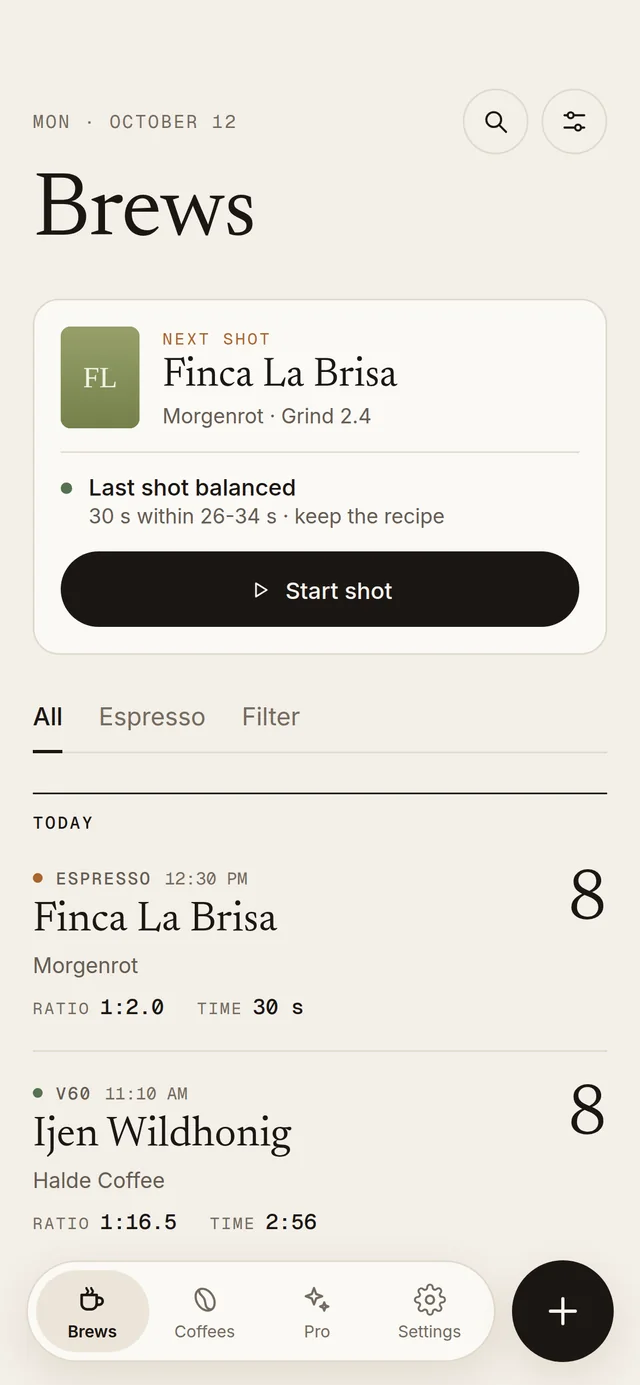
Log every espresso and filter brew: dose, ratio, time, taste. Pull shots in full-screen shot mode, brew filter with a guided pour timer and dial in your grinder faster.
Ratio 1:2.1 · 27 s1:2.1 · 27 sBalanced · EspressoBalanced
Features
Built for the craft.
Every detail a serious home barista cares about, without needless complexity, in one focused app.
01 · Espresso
Shot Evaluation
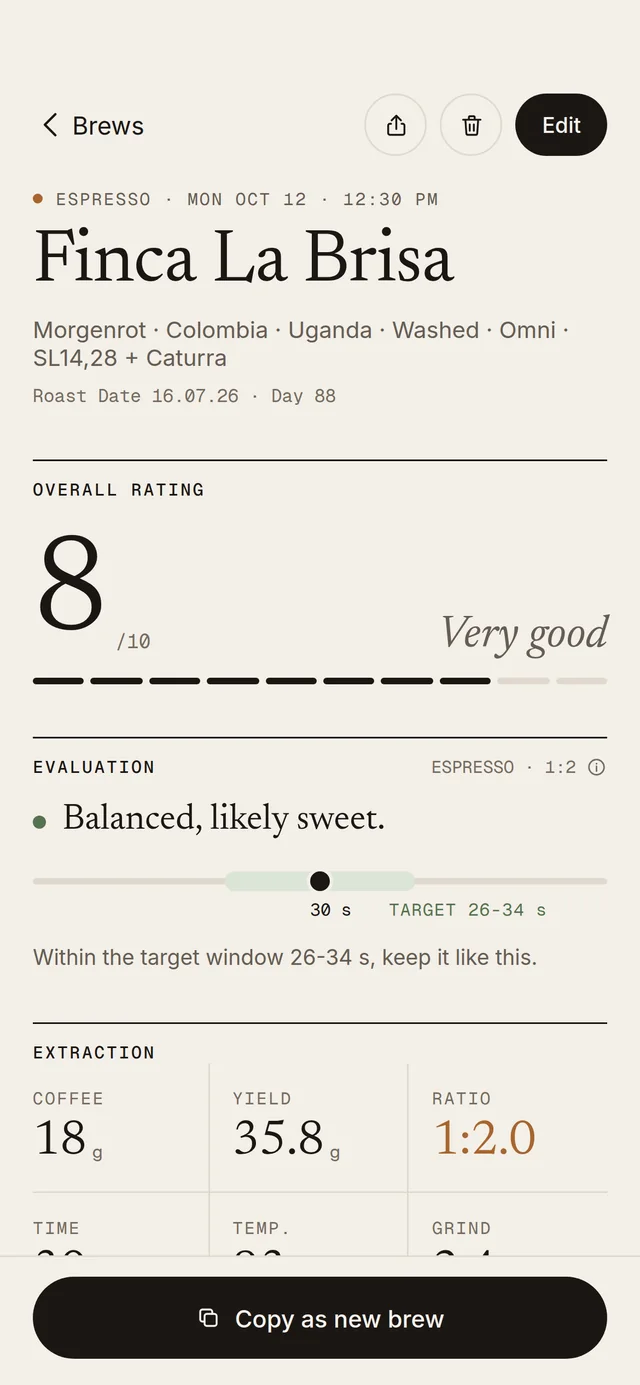
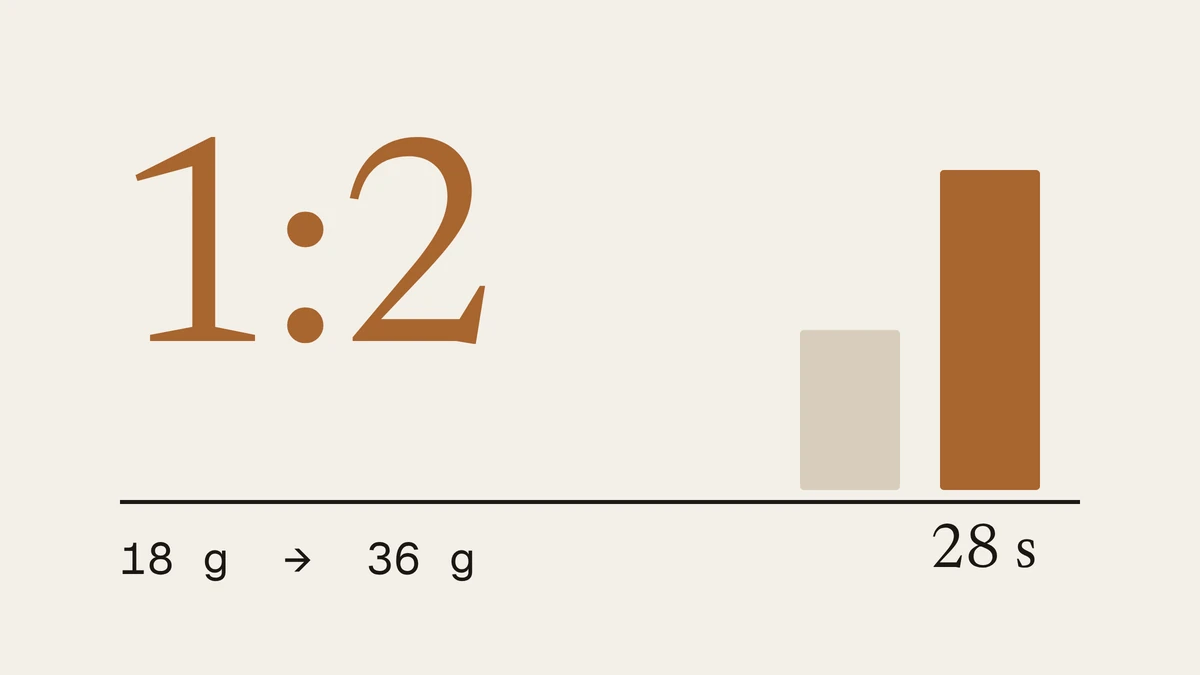
From the ratio, Shotbook knows whether you pulled a ristretto, espresso or lungo. The time shows whether the shot was balanced, too fast or too slow, adjusted for roast level and with a grind tip.
Your shot
Espresso · 1:2.1
27 s · balanced
Ristrettobelow 1:1.5
Espresso1:1.5–1:2.5
Lungofrom 1:2.5
02 · Shot mode
Espresso Shot Mode
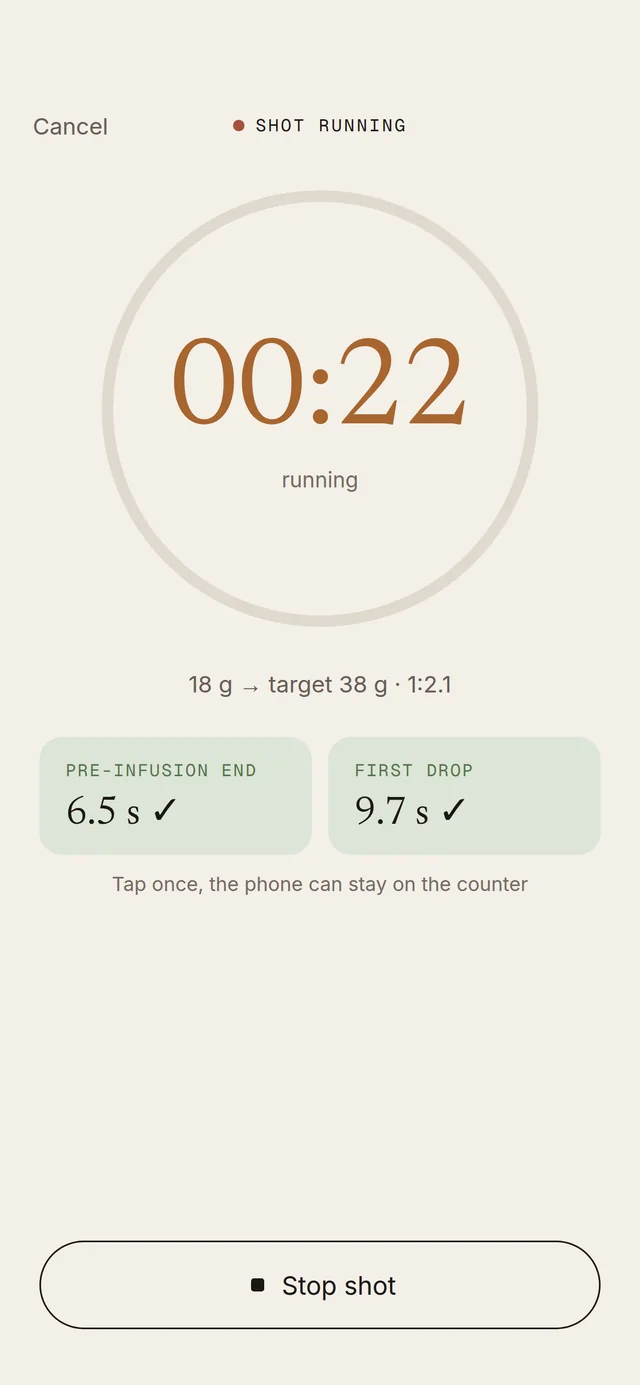
Full-screen timer with a 3-2-1 countdown and big buttons for pre-infusion and first drop that you can hit without looking. Target time and target yield come from your last shot.
321
03 · Taste
Taste Ratings
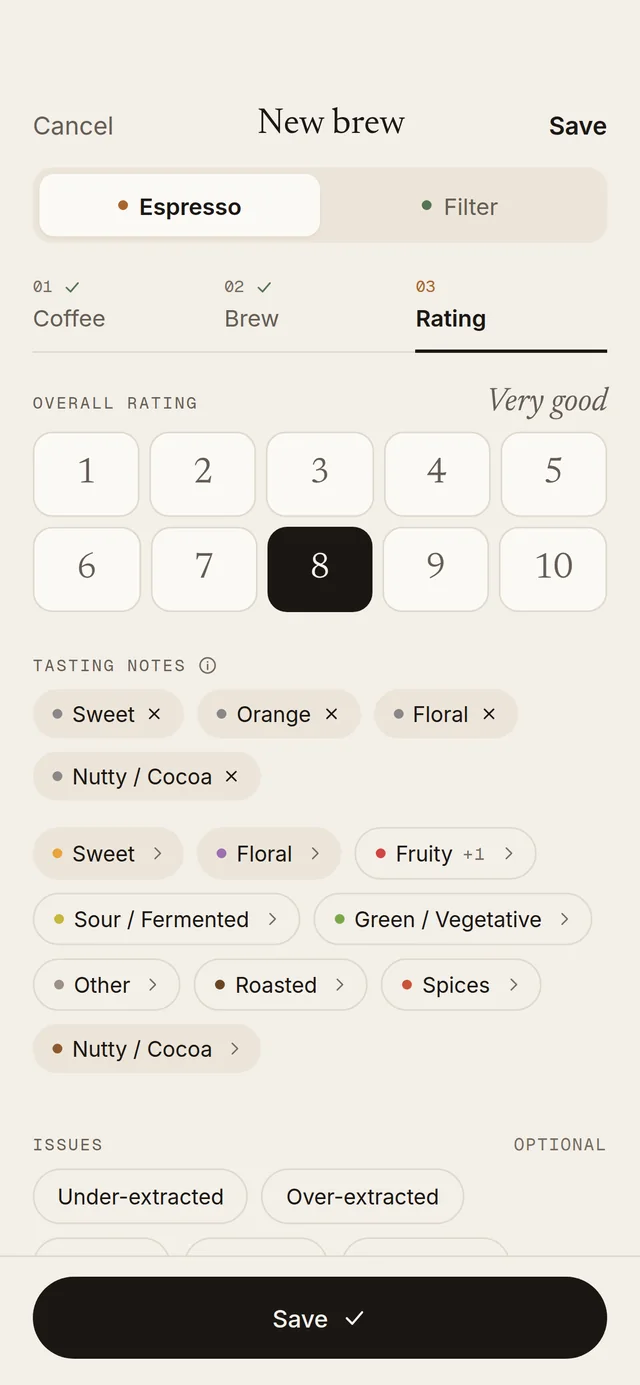
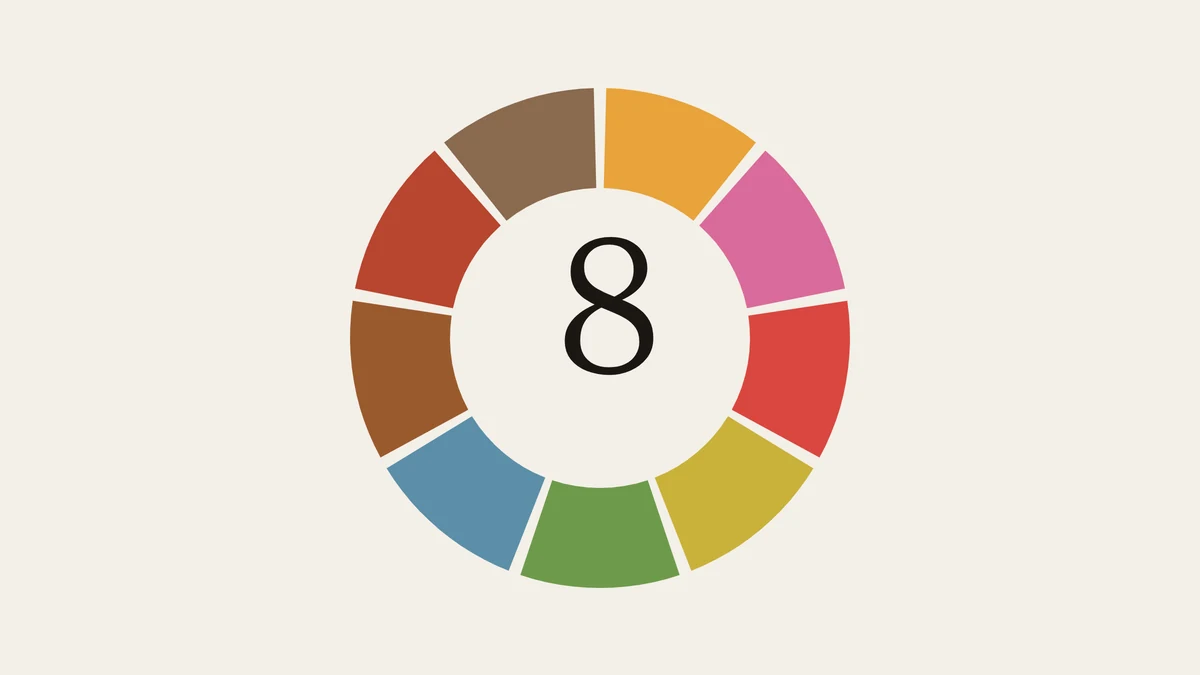
Rate every brew out of 10, tag aromas from the SCA Flavor Wheel and add photos. Spot patterns and know what to change next time.
8/10 Very good
GrapefruitPomegranateCitric acidMilk chocolate
04 · Filter
Guided Pour Sequence
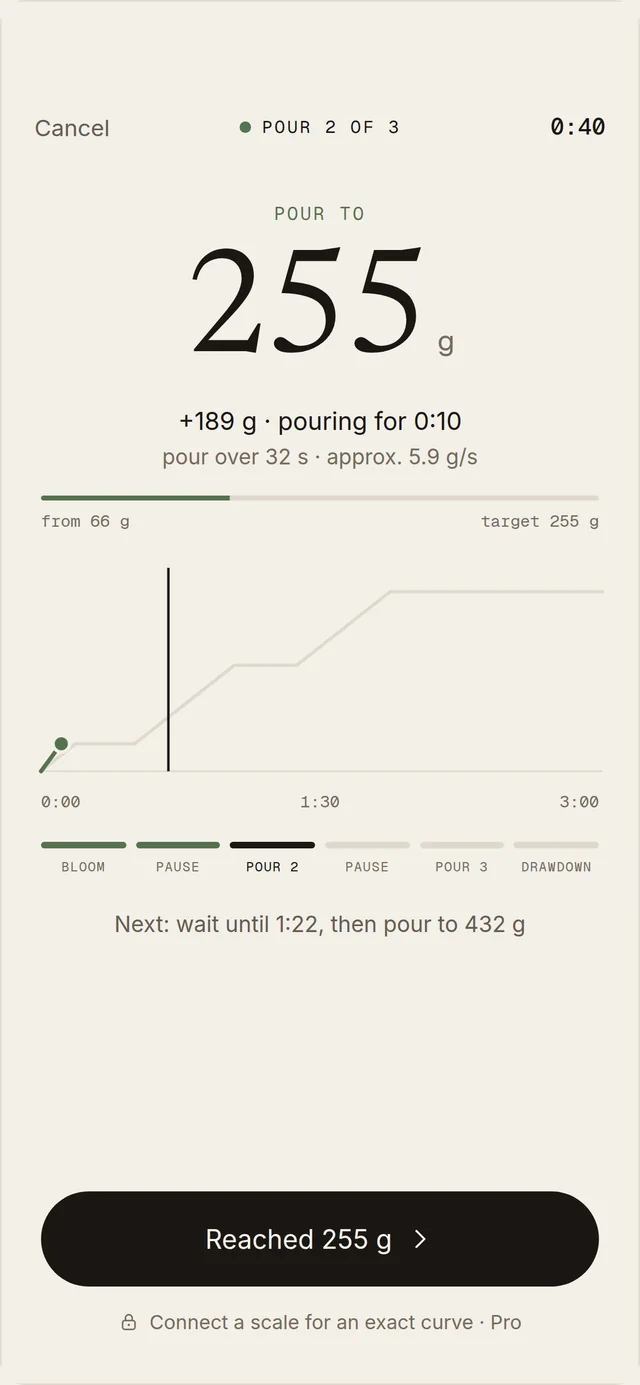
Plan bloom, pours and pauses as a recipe for V60, Chemex & co. The timer counts you in, tells you when to pour how much, then shows recipe vs. reality. For freshly roasted coffee, Shotbook extends the bloom automatically.
V60ChemexAeroPressKalita
Bloom0:0045 g
Pause0:45·
Pour 11:00150 g
Pour 21:30250 g
Drawdown2:153:10
05 · Logbook
Full Brew Logging
Espresso and every filter method. Roaster, origin, process, dose, yield, grind, temperature and time, all in one flow.
Dose18 g
Yield38 g
Ratio1:2.1
Grind14
Temp.93 °C
Time27 s
06 · Library
Coffee Library
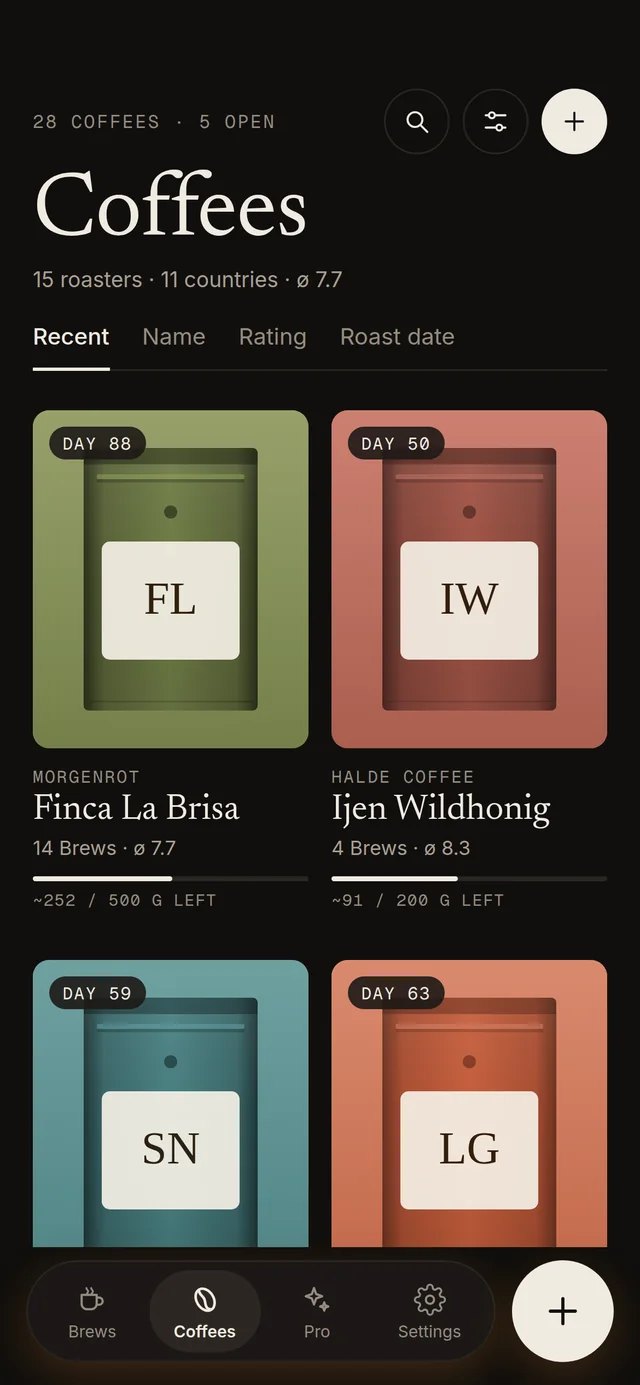
Every coffee with roaster, origin, variety, roast level, bag photo and brew history, plus grinder memory: you see right away where your grinder was last set.
Kizi Rift · RwandaWashed
Last set to 14 clicks
07 · Appearance
Dark & Light Mode
A warm espresso palette for any light, from the morning dial-in to an evening tasting.
Dark
Light
08 · Pro
Pro: Coming soon
Statistics & trends, package scanner (roaster & origin filled in automatically), advanced export and more.
Vote for the features that matter most to you, or suggest your own. Whatever is on top comes first.
Ideas10
Statistics & trends
Average rating, favourite coffees and consumption over time.
PRO
Bluetooth scales
An exact weight curve for pour-over and espresso.
PRO
Scan the bag
Fill in roaster and origin automatically.
PRO
Community autofill
Type a coffee, origin and process are filled in.
Community ratings
How a coffee tasted to others.
Share recipes by link
Send a recipe, the other person opens it right in Shotbook.
Named recipes
Save your own recipes per brew method and reuse them.
Recipe QR code from roasters
Roasters print a code on the bag, you adopt their recipe.
Your own equipment
Set up scale, basket, filter and more once and pick them for each brew, just like machines and grinders.
requested by you
Timing hint for filter
Did the brew run too fast or too slow? A grind tip.
In progress1
Skip a pause in the pour timer
End a wait with one tap, the rest of the plan moves up automatically.
Coming with the next update
Shipped7
Espresso shot mode
Full-screen timer with countdown and big buttons for pre-infusion and first drop.
Version 1.3requested by you
Shot evaluation
Drink type from the ratio, result from the time, adjusted for roast level.
Version 1.3.1
Longer bloom for fresh coffee
For roasts under 4 weeks the bloom automatically lasts 45 s.
Version 1.3
Share coffee data anonymously
Contribute to the community database, voluntary and anonymous.
Version 1.2.1requested by you
Blends
Multiple origin countries per coffee.
Version 1.2requested by you
Discard a brew
Failed shots stay in the log but don’t count towards the rating.
Version 1.2requested by you
Bag size with remaining amount
See how much coffee is left in the bag.
Version 1.2
Missing something?
Suggest a feature. Leave your email and we’ll let you know once it ships.
Coffee know-how
Coffee know-how.
Practical know-how around good coffee: dialing in espresso, brewing filter coffee, understanding flavour and knowing where to find great coffee in town. With the same numbers Shotbook works with.
Shotbook started out of personal frustration: spreadsheets were clunky, note apps chaotic, and no coffee app had the right level of detail without being overwhelming.
As the former founder of a specialty café in Cologne, I logged shots on paper for years: notebooks soaked by steam, recipe cards lost between shifts, loose notes that never found their way back to the grinder. There had to be a better way.
The goal is simple: a focused, distraction-free journal that helps you remember what worked, understand why, and brew better tomorrow.
Made with care byMichael Timofeev
01
Espresso
Plus filter support: V60, Chemex, AeroPress, Kalita, French Press, Moka Pot, Cold Brew.
02
Free
The core journal is free forever. Pro features are coming soon.
03
Private
Your brews are stored on your device. No account required.
Download
Get Shotbook.
Shotbook is available now on Google Play and the App Store. Free, no account needed.
Yes, the core app is completely free. You can log unlimited espresso and filter brews, rate them, add notes, and use all core features at no cost. A Pro tier with statistics, a package scanner, and advanced export is coming soon.
02Where is my data stored?
All brews are stored locally on your device, no account needed. Only if you turn on anonymous coffee sharing in the app are coffee details and ratings sent to our community database, without any personal data. Notes and photos always stay on your device.
03Which brew methods are supported?
Espresso and all major filter methods: V60, Chemex, AeroPress, Kalita Wave, French Press, Moka Pot, and Cold Brew. Each method shows method-appropriate ratio ranges.
04Is there an iOS version?
Yes, Shotbook is available on both platforms: on Google Play for Android and on the App Store for iPhone.
05How does Shotbook evaluate my espresso?
Shotbook separates two things: the ratio of dose to yield defines the drink (ristretto, espresso or lungo), and the time shows how well the shot is extracted. Every ratio has a target time that depends on the roast level, so light roasts may run a little longer. Within the target window your shot is balanced. If it runs too fast it tends to taste sour and you grind finer; too slow, it tends to taste bitter and you grind coarser.
06What’s coming in Pro?
Pro will add: an AI Packaging Scanner that photographs a coffee bag and auto-fills roaster, name, origin, process, and roast level; a Brew Mentor that learns from a few test brews and tells you how to dial in the next one; a Specialty Coffee Community, like Vivino for coffee, to share ratings and discover beans suited to your region; flexible Data Sync across Google Drive, Dropbox, OneDrive, and iCloud Drive; and a Coffee Calendar tracking your brews per day, week, and month. Join the waitlist to be notified first.